
Modern workspaces are no longer confined to traditional offices. Whether you work from home,
manage tasks on the go, or balance professional and personal responsibilities, computers,
office essentials, and wearable tech play a central role in staying productive and organized. A
smart setup goes beyond owning the right devices—it’s about arranging, configuring, and using
them in ways that support comfort, efficiency, and long-term performance. This article explores
practical tips to help you build a smarter, more effective tech setup that works with you instead
of against you.
Creating a Functional Computer Setup
Your computer is often the heart of your workspace, so how it’s set up matters. Start with screen
positioning. Your monitor should be at eye level or slightly below to reduce neck strain. If you
use a laptop as your primary device, a laptop stand paired with an external keyboard and
mouse can significantly improve posture and comfort.
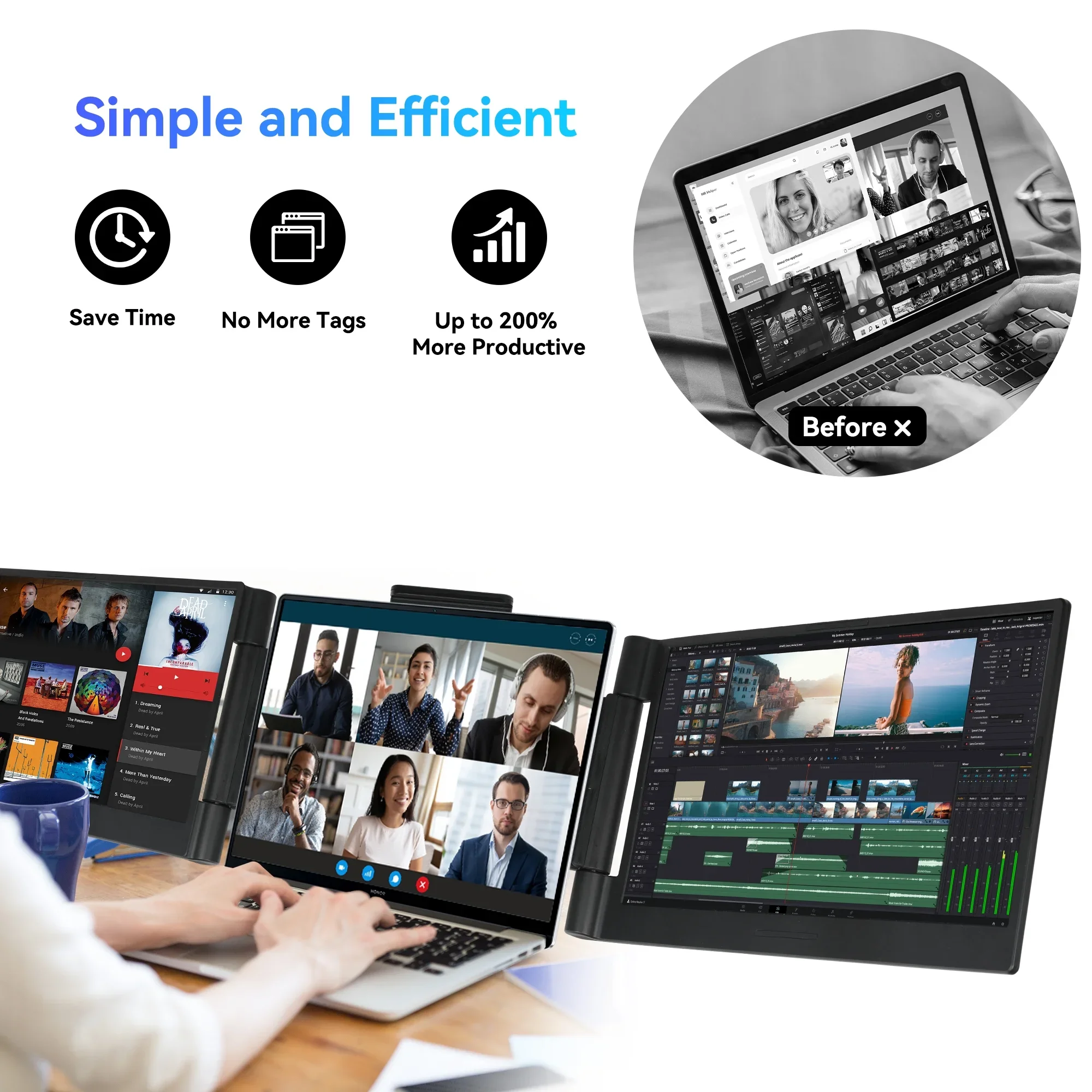
Multiple monitors can enhance productivity, but only if arranged thoughtfully. Place your primary
screen directly in front of you and secondary screens slightly angled. This minimizes excessive
head movement and keeps frequently used information within easy view.
Keyboard and mouse placement also plays a critical role. Keep your keyboard at a height where
your elbows are close to your sides and your wrists remain neutral. Ergonomic keyboards and
mice may look unconventional, but they reduce strain during long work sessions and support
healthier hand positioning over time.
Optimizing Performance Through Software and Settings
A clean and organized system performs better and feels easier to use. Begin by managing
startup programs. Many applications automatically launch when your computer starts, slowing
boot times and consuming resources. Disable non-essential startup items to improve speed and
responsiveness.
File organization is another often-overlooked factor. Create clear folder structures for
documents, projects, and downloads. Consistent naming conventions make files easier to locate
and reduce time spent searching. Cloud syncing tools help keep files accessible across devices
while reducing local storage clutter.
Regular system updates are essential. Operating system and software updates often include
performance improvements and security patches. Keeping your system current ensures
smoother operation and protects sensitive data.
Office Essentials That Improve Workflow
Office essentials go beyond desks and chairs. Small tools and accessories can make a big
difference in daily efficiency. Cable management solutions, such as clips, sleeves, or trays, keep
cords organized and prevent tangled messes that distract and waste time.
A quality desk mat protects surfaces while providing a smooth area for writing, typing, or using a
mouse. It also visually defines your workspace, which can improve focus and reduce clutter.
Adjustable desk lamps with warm and cool lighting options support different tasks and reduce
eye strain.
Storage solutions like drawer organizers, document holders, and vertical file stands keep
important items within reach while maintaining a tidy environment. When everything has a
place, your workspace becomes easier to maintain and more enjoyable to use.
Ergonomics and Comfort in Everyday Use
Comfort is not a luxury—it’s a productivity tool. An ergonomic chair that supports your lower
back and encourages proper posture helps prevent discomfort during long hours of work. Adjust
seat height so your feet rest flat on the floor and your knees form a gentle angle.
Footrests, wrist rests, and monitor risers are simple additions that improve comfort without
requiring major changes. These small adjustments reduce strain and support better alignment
throughout the body.
Take regular breaks to stand, stretch, and move. Even the most ergonomic setup can’t replace
movement. Wearable tech can play a role here by reminding you to stand, stretch, or take short
walks throughout the day.
Integrating Wearable Tech Into Your Routine
Wearable tech offers more than fitness tracking. When used intentionally, it becomes a valuable
productivity and wellness tool. Smartwatches and fitness bands can deliver notifications,
calendar reminders, and task alerts without pulling your attention fully away from your work.
Customizing notifications is key. Choose alerts that matter, such as meeting reminders or
important messages, and silence less critical notifications. This helps wearable tech support
focus rather than disrupt it.
Health tracking features provide insight into daily activity levels, heart rate patterns, and sleep
quality. These metrics help you identify habits that impact energy and concentration. Over time,
small adjustments informed by this data can lead to improved focus and well-being.
Balancing Digital and Physical Workflows
A smart setup blends digital efficiency with physical organization. While digital tools streamline
tasks, physical notebooks, planners, or whiteboards can enhance clarity and creativity. Use
physical tools for brainstorming, goal setting, or tracking priorities, then integrate them with
digital systems for execution.
Wearable tech supports this balance by offering quick access to reminders and progress
tracking without constant screen interaction. This reduces digital fatigue and helps maintain a
healthier relationship with technology.
Office essentials like planners or desktop organizers complement digital calendars and task
managers. The goal is not to replace one system with another but to create harmony between
them.
Enhancing Collaboration and Communication
Clear communication is essential in modern work environments. External webcams,
microphones, or headsets improve audio and video quality during virtual meetings. Position
webcams at eye level to create a more natural and engaging presence during calls.
Wearable tech can discreetly notify you of incoming calls or messages during focused work
sessions, allowing you to respond promptly without breaking concentration. This is especially
helpful in shared or quiet workspaces.
Shared digital tools paired with organized physical notes ensure ideas and decisions are
captured and followed up effectively. A smart setup supports both individual productivity and
team collaboration.
Managing Energy and Focus Throughout the Day
Productivity is closely tied to energy levels. Lighting plays a significant role here. Natural light is
ideal, but adjustable artificial lighting helps maintain focus during early mornings or late
afternoons. Cooler light tones support alertness, while warmer tones promote relaxation.
Wearable tech provides insights into energy patterns by tracking sleep quality and activity
levels. Understanding when you are most alert helps you schedule demanding tasks during
peak periods and lighter work during lower-energy times.
Office essentials like noise-canceling accessories or desk dividers create a focused
environment. Reducing distractions supports deeper concentration and more efficient work
sessions.
Maintaining and Evolving Your Setup
A smart setup is not static. As your needs change, your workspace should adapt. Regularly
reassess what tools you use most and which items no longer serve you. Removing unnecessary
items keeps your setup streamlined and intentional.
Clean and maintain equipment regularly. Dust-free keyboards, clean screens, and organized
cables contribute to better performance and a more pleasant workspace. Updating accessories
or upgrading worn items prevents small issues from becoming distractions.
Wearable tech settings should also be reviewed periodically. Adjust goals, alerts, and tracking
preferences as your routines change. This keeps the technology aligned with your lifestyle
rather than feeling intrusive.
Building a Setup That Supports Long-Term Success
The best setups are designed with sustainability in mind. Prioritize comfort, efficiency, and
adaptability over trends. Thoughtful placement, smart accessories, and intentional use of
wearable tech create a workspace that supports both productivity and well-being.
By combining optimized computer configurations, practical office essentials, and purpose-driven
wearable tech, you create an environment that encourages focus, supports health, and adapts
to changing demands. A smart setup doesn’t just help you work—it helps you work better, day
after day, with clarity, comfort, and confidence.